
This post assumes that you have built a DCC-EX command station and installed the firmware. If you have not completed those steps then please do so. The most challenging process of DCC-EX, assembling the DCC-EX command station, is now complete. Now it’s time to have some fun: verify your DCC-EX command station is fully functional and run some model trains.
Connecting the Track Power
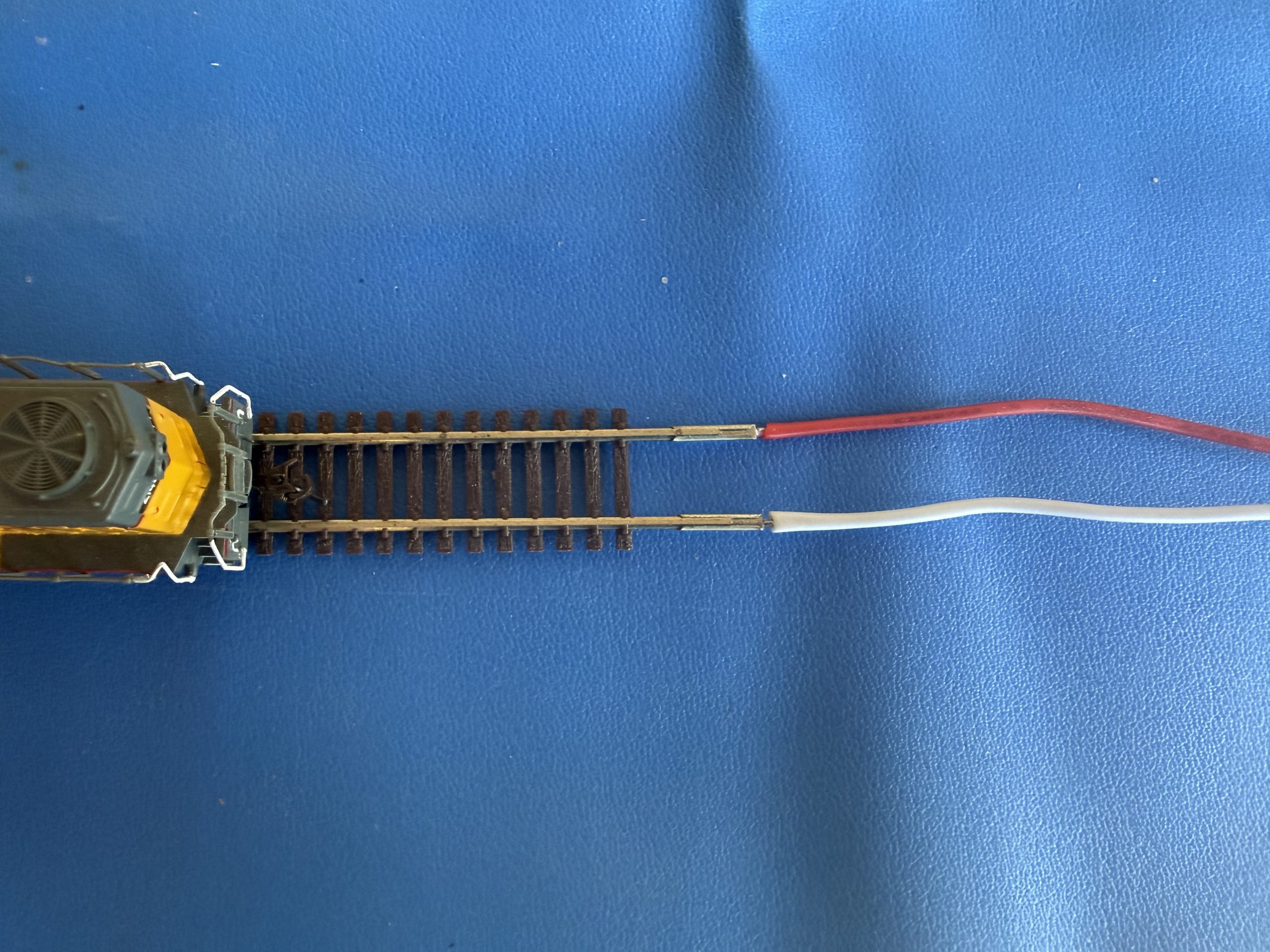
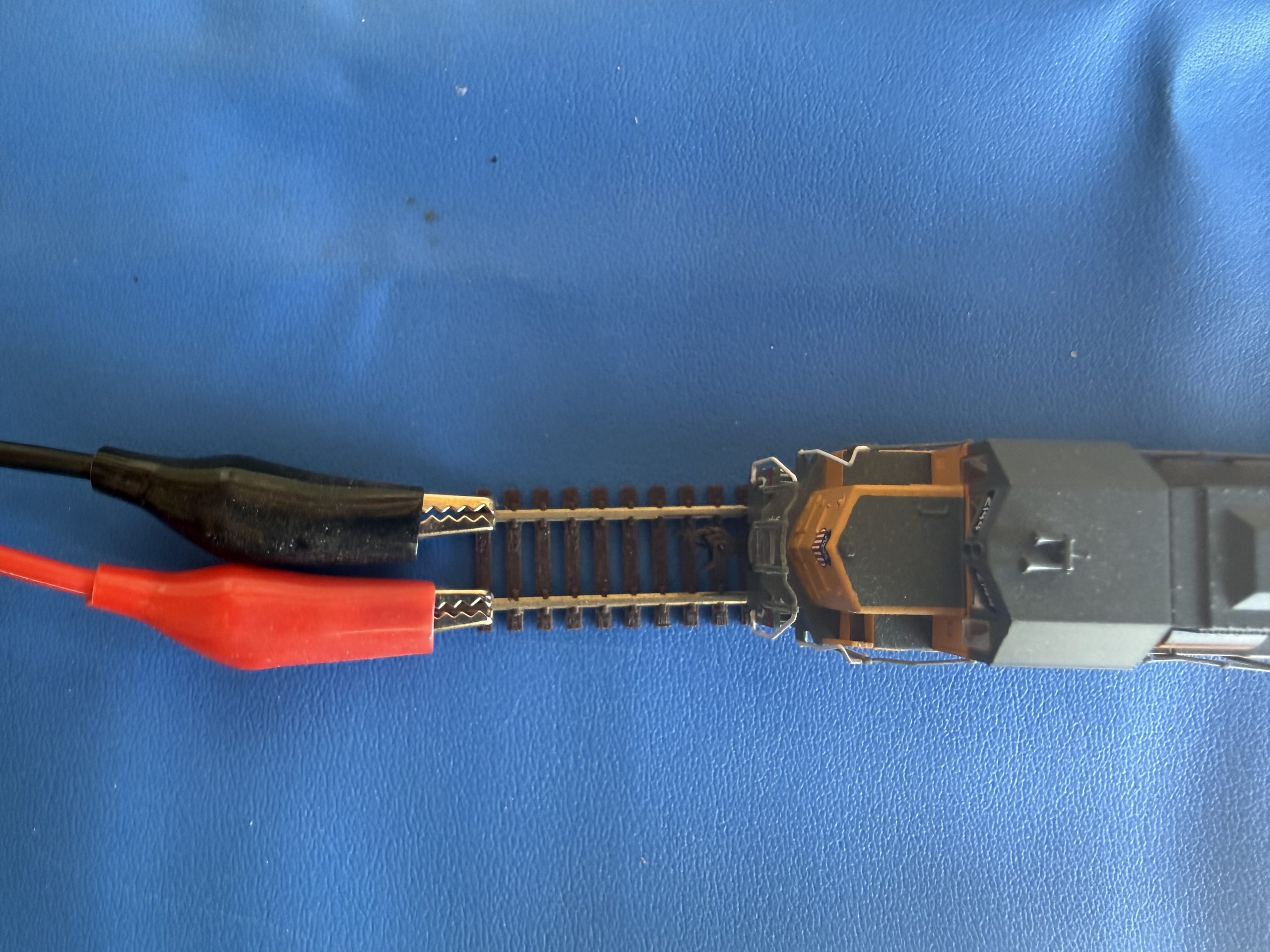
- Connect the power leads from the DCC-EX motor shield to your model railroad track. Polarity does not matter. Either lead can be attached to either side of the track. Your choice will determine which direction is forward and which direction is reverse on your layout. You can always swap the leads if you choose.
- From the previous post, you should have one positive lead (connected to PA+) and one negative lead (connected to PA-) on the motor shield.
- Connect each one of those leads to one of the rails of your track. You could solder the leads to the track or purchase a crimp-able alligator clips to make the connection easier.
Connecting the Power Supplies to the Wall
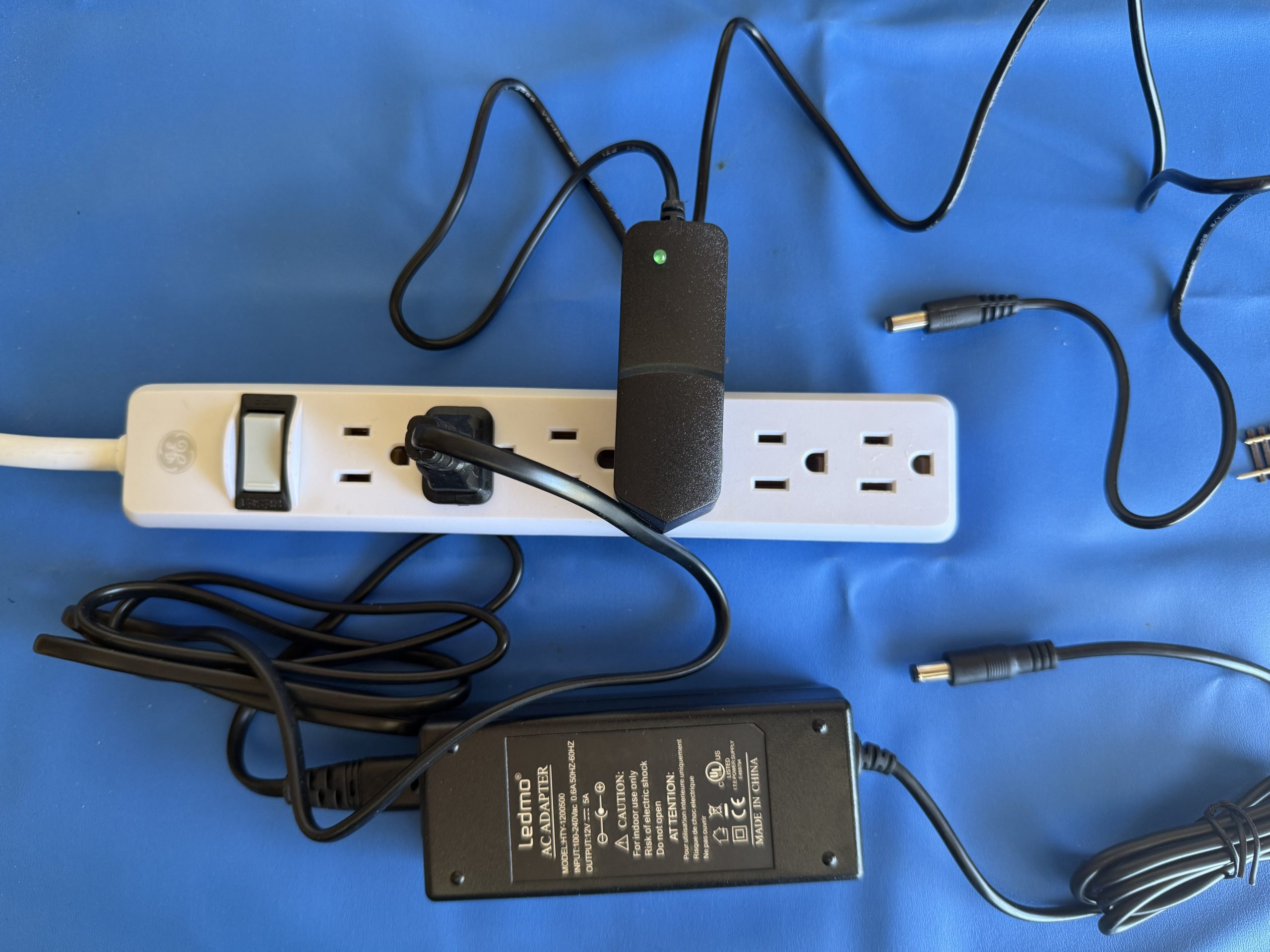
The DCC-EX command station has two power supplies. One for the track power (the larger 12 volt supply) and one for the Mega power (the smaller 9 volt supply). It’s recommended to plug the AC adaptors of both of those power supplies into a single surge protector with multiple outlets. This will allow you to power on the DCC-EX command station with the flip of a single switch on the surge protector.
Final Power Connections to the DCC-EX
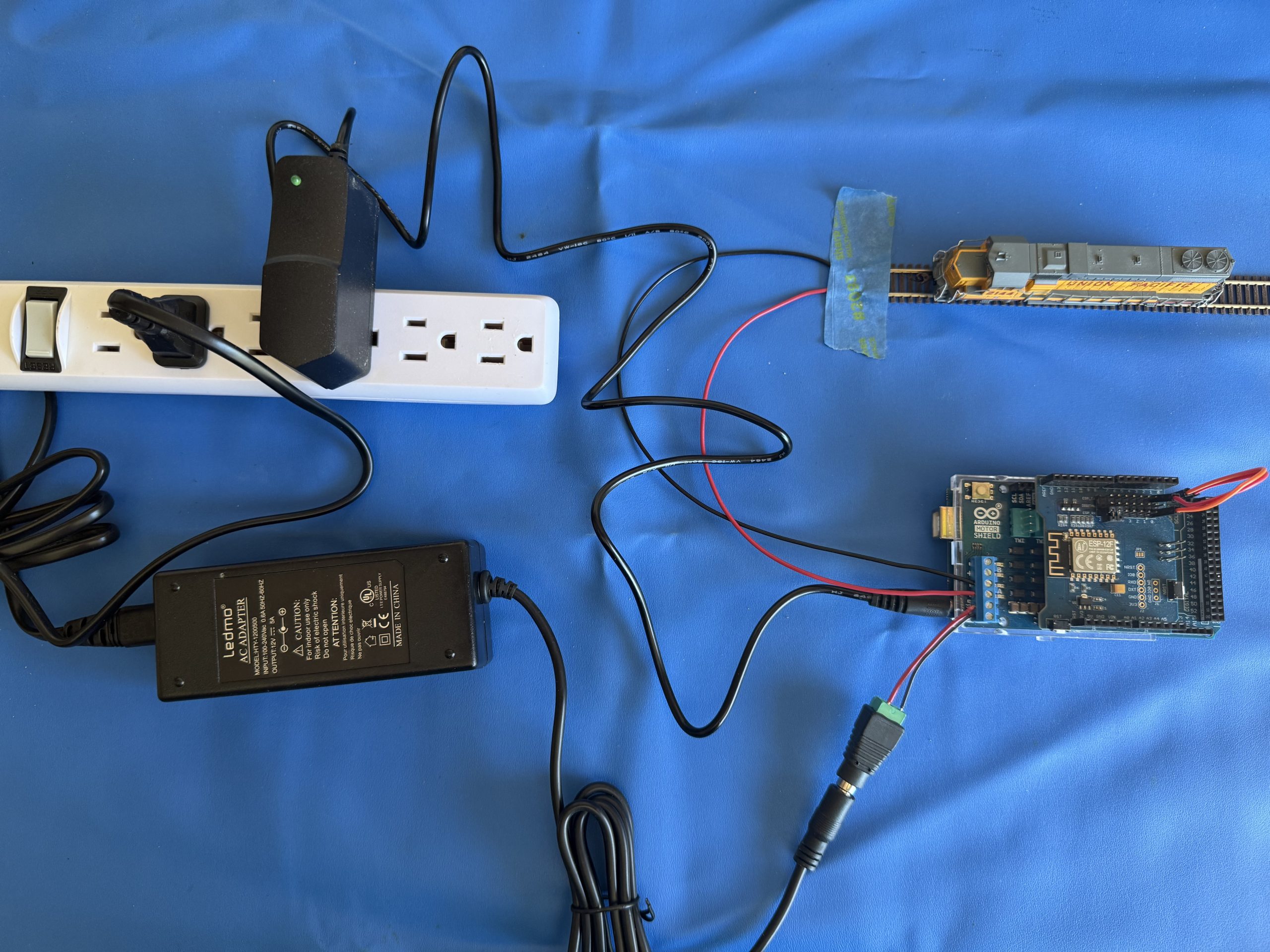
- Connect the 12 volt power supply adaptor into the adaptor on the motor shield
- Connect the 9 volt power supply adaptor into the Mega board
- Note, the USB connection on the Mega board can be left open since you will be using WiFi to communicate with your DCC-EX and not USB
Power on Test
With all of the power connections complete you can now power on the DCC-EX command station via the switch on the surge protector.
- Green LED’s should light on the Mega
- Make note of any excess heat or smoke; if you detect any then power off the DCC-EX immediately and review the processes in the previous two posts built a DCC-EX command station and installed the firmware
Next Step
The next step is Installing DCC Commander (iOS or Android) on your mobile device to use as a DCC throttle and actually run your model trains.